AliExpress Unboxing Video for Disputes: How to Record Evidence
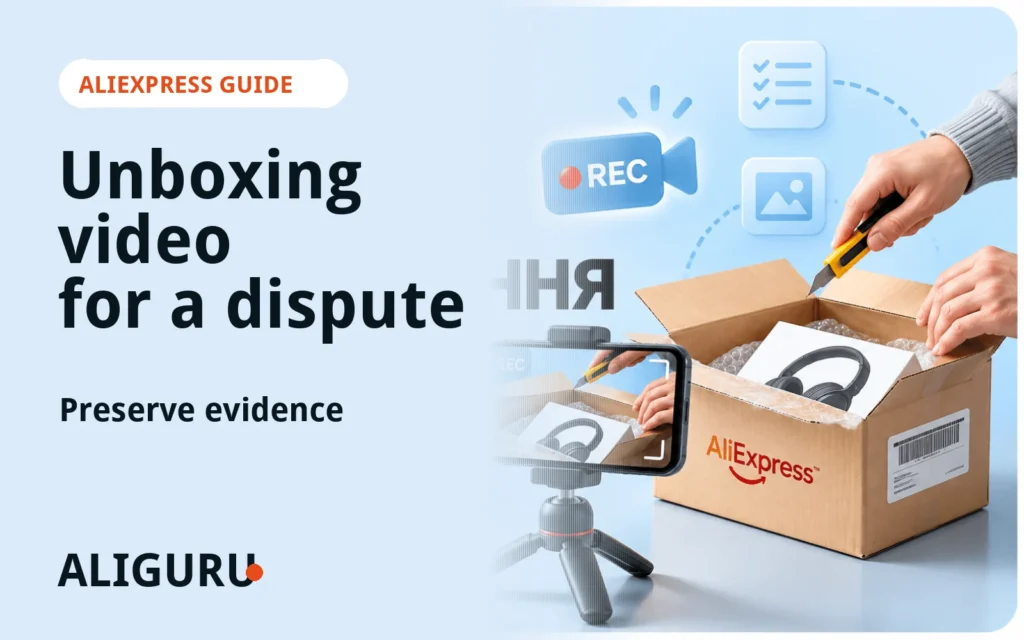
Start recording your AliExpress unboxing video before cutting into the parcel. Show the outside of the package and shipping label, then record the opening and actual contents without abrupt breaks. The footage can support a dispute about missing, incorrect or damaged goods, but it does not guarantee that you will win. Decisions depend on the order’s terms, your other evidence and the platform’s review.
What to prepare before unboxing
- A phone with sufficient storage, battery and a clean camera lens.
- A stable tripod or support that keeps both hands and the whole parcel in view.
- A well-lit surface without unrelated objects that could be mistaken for package contents.
- Your AliExpress order details showing the items and variants purchased.
- Photos of the parcel’s exterior before opening.
If the shipping label contains personal details, keep the original footage for the official claim but hide your address and phone number before sharing anything publicly. Never replace or alter original evidence.
Step 1. Show the sealed parcel and shipping label
Begin with a wide view of the unopened parcel. Slowly turn it to capture seams, seals, dents, tears and signs of resealing. Bring the tracking barcode or label into focus so support can match the footage to the order. You do not need to show your full delivery address to the public.
Step 2. Film the opening without editing cuts
Open the package carefully while keeping the contents in frame. If an outer box contains another sealed bag or box, show that layer too. Continuous footage helps establish what was inside before you touched or rearranged anything. This is a practical recommendation for stronger evidence, not a universal AliExpress rule requiring everyone to film.
Step 3. Show the contents, model and condition
Lay out each received part separately: the product, cables, accessories, instructions and attachments. Record the model marking, serial number where relevant, colour, size and any damage or missing parts. Compare them with the variant in your AliExpress order. If an electronic item fails, record a safe, simple demonstration of the fault without dangerous tests.
Step 4. Preserve the original file and take photos
Keep the untouched source video; do not delete it, add music or trim off the opening. You may prepare a shorter copy for explaining the problem, but keep the original available. Take close-up photos of the shipping label, item, defect and order description. Check the accepted file format and size in your dispute form, as the limits can change between versions.
Step 5. How to attach the video to an AliExpress dispute
- Open the exact order and check the available Return/Refund or Dispute tools.
- Describe precisely what you ordered, what arrived and what is wrong.
- Upload photographs and video through the official form where supported.
- If the video is rejected, check the size and format rules; make a correctly compressed copy or contact support without misrepresenting the contents.
- Watch for requests for more evidence and the deadlines shown in your account.
Do not substitute private messaging with the seller for the official claim, and never agree to off-platform card refunds.
Common mistakes when filming
- Starting after the package has already been opened.
- Failing to show the label, contents or correct variant clearly.
- Blocking the view with your hand or camera movement.
- Deleting the original after editing a short video.
- Writing only “doesn’t work” without showing the actual defect.
Also read ALIGURU guides about receiving the wrong product, opening a dispute and combined parcels.
Frequently asked questions
Is an AliExpress unboxing video mandatory?
Not for every delivery. It may nevertheless help prove that a parcel contained a damaged or incorrect product.
How long should the recording be?
There is no confirmed universal duration. Film long enough to show the label, opening, contents and problem; check upload limits.
Can I trim the video for a dispute?
Keep the complete original. A properly shortened or compressed copy may be used where file limits apply, without distorting what happened.
What if I forgot to film the unboxing?
Do not stage a new opening and pretend it is authentic. Gather genuine photographs, labels, defect details, correspondence and order information.
Sources and verification date
Prepared on 5 November 2026. References: uploading evidence to an AliExpress dispute, dispute eligibility and help, and ALIGURU’s wrong-item guide.
 ГаннаALIGURU team
 Марія